TOP Workplace
TOP Workplace
Your work, in good order.
Record your hours, prepare invoices, and follow review updates across your connected companies.
Coming soon. Contact TOP to ask about access.
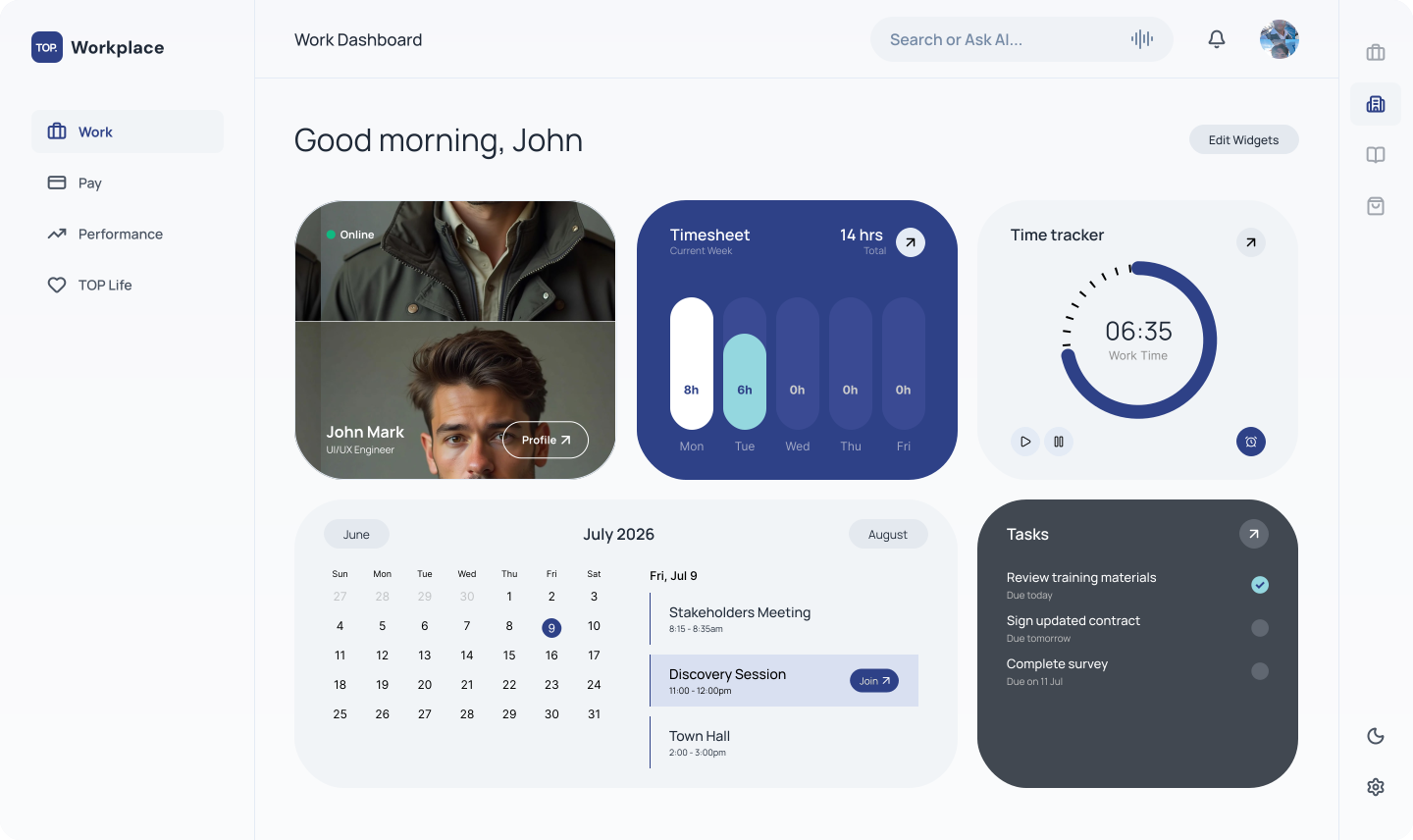
Made for your next step
A clearer next step for every work record.
Keep your timesheets, invoices, and next steps together across your connected companies.
01 / TOP Workplace
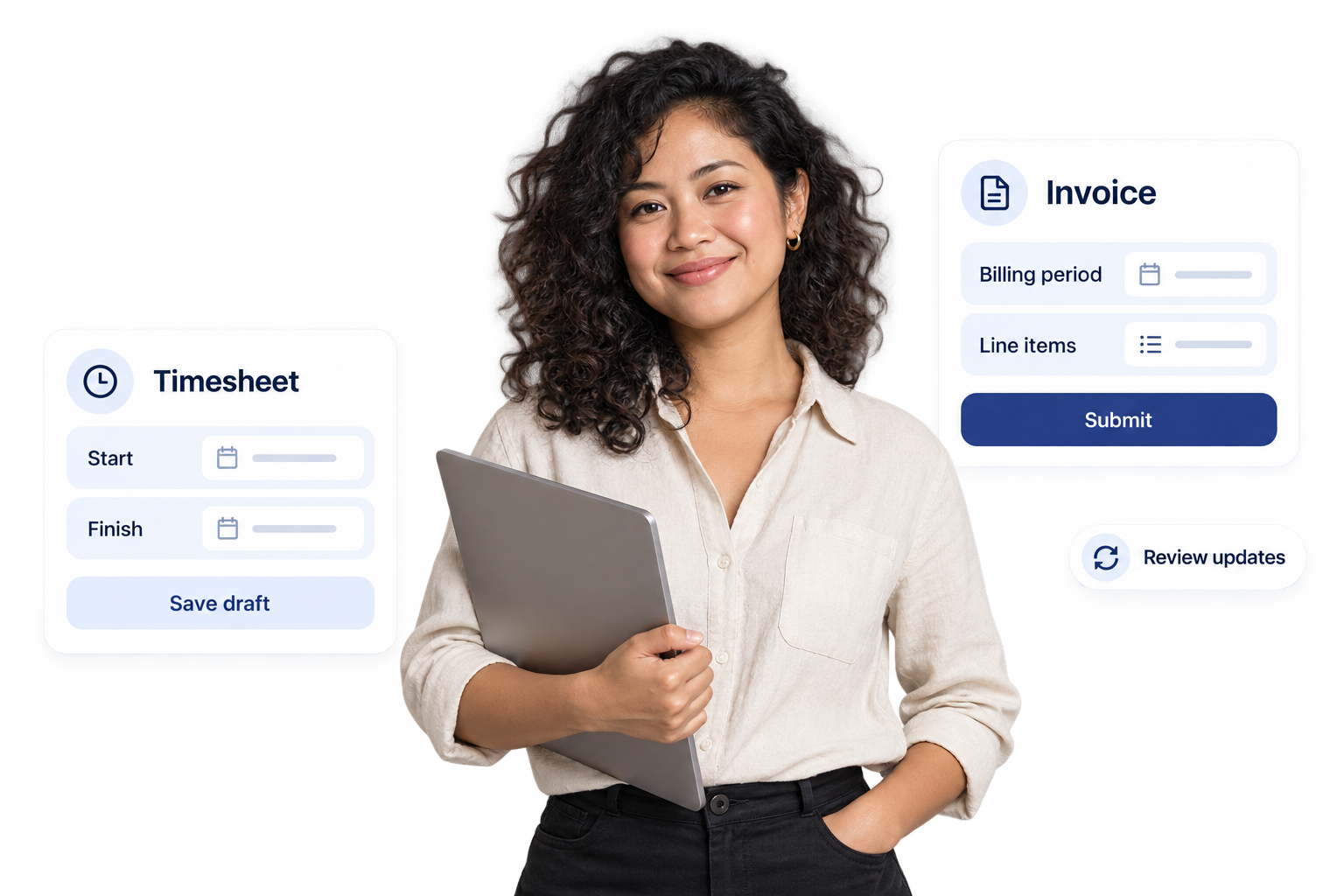
Record your time
Make your working hours clear.
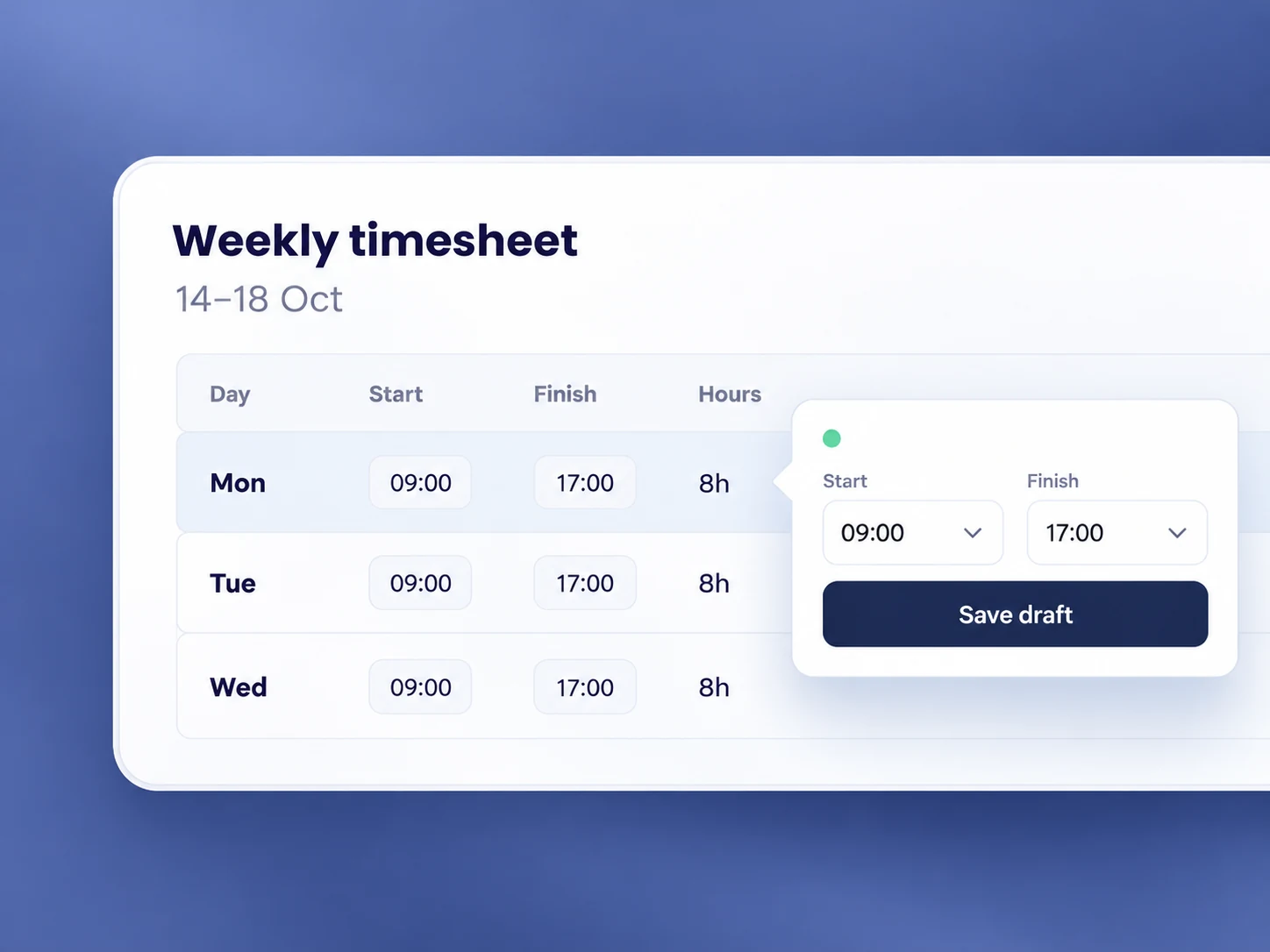
- Choose a month and fill in your weekly time entries.
- Add start and finish times, notes, and leave days; reuse your default schedule.
- Save a draft or submit your timesheet for team-lead review.
02 / TOP Workplace
Prepare your invoices
Move from recorded work to review.
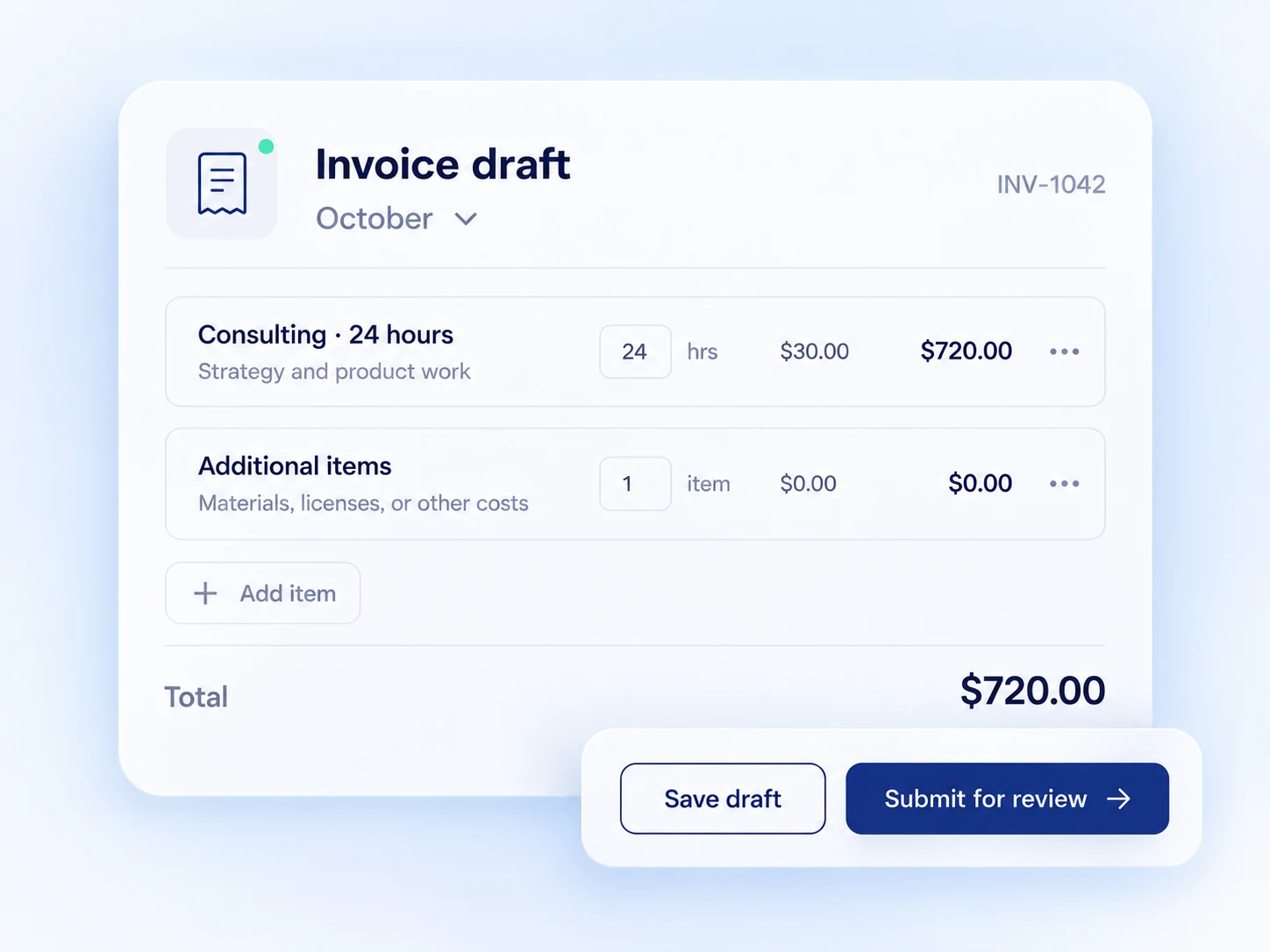
- Prepare an invoice for your billing period using your assigned billing rate.
- Add additional items, save a draft, and preview the details.
- Submit for approval and update invoices when changes are requested.
03 / TOP Workplace
Follow your progress
Know what needs your attention.
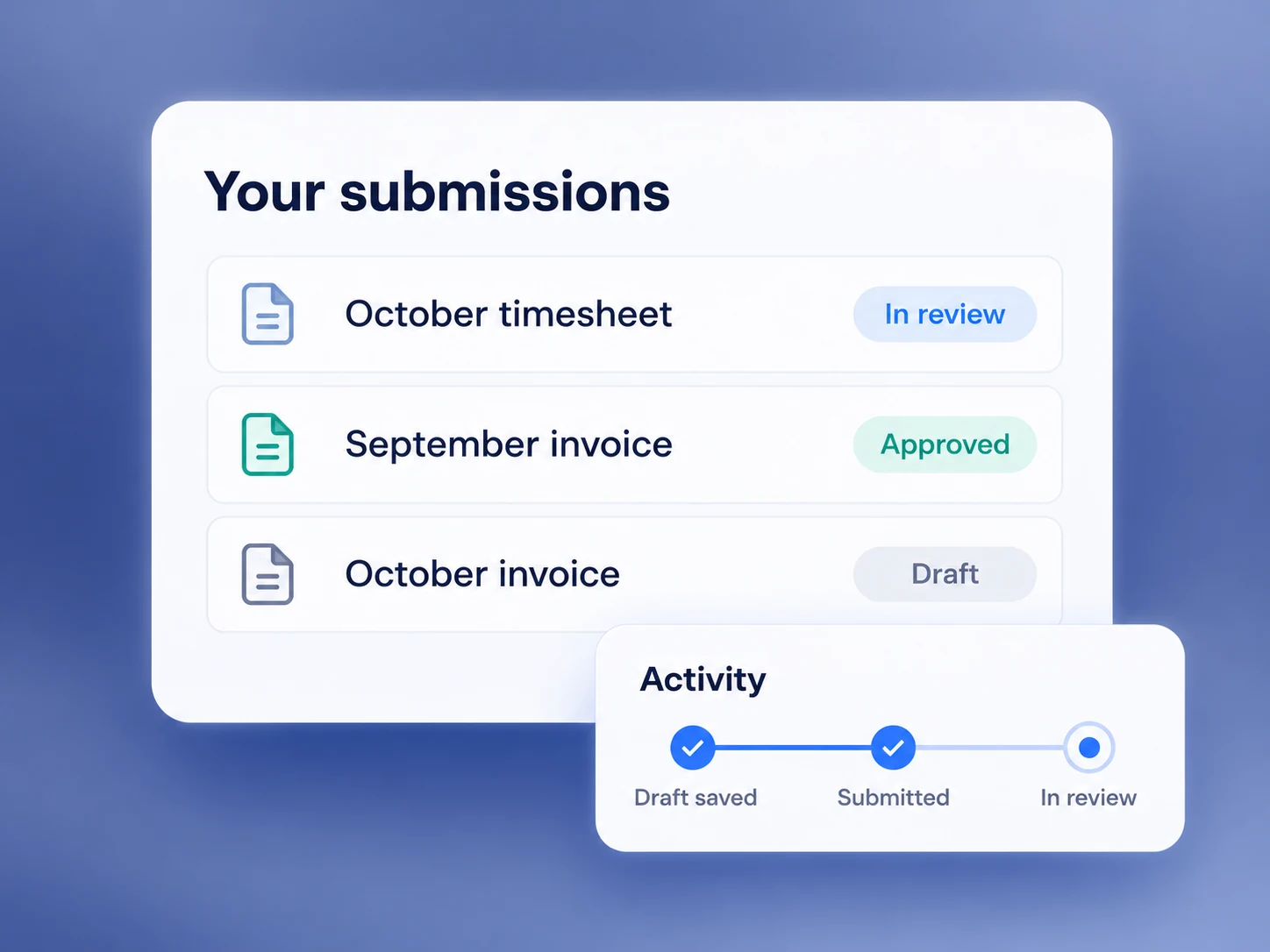
- See timesheets and invoices for each connected company in your dashboard.
- Check submission deadlines and expected payment dates where configured.
- Review statuses, correction notes, and workflow history.
A little more clarity
Timesheets, invoices, and access.
Who is this view for?
This walkthrough covers the contractor experience in TOP Workplace. Access is provided through your company membership and invitation.
Can I save a timesheet before submitting it?
Yes. Keep time entries as a draft while you complete them. Submitted timesheets are locked for review; the app provides a changes workflow when corrections are needed.
What do I need to create an invoice?
You need a connected company and an assigned billing rate. Select the billing period, review the invoice details, add any additional items, and preview or save a draft before submitting.
Where can I see review updates?
Your dashboard brings together timesheet and invoice statuses. Open a record to see its workflow history and any correction notes. Expected payment dates are planning information, not a payment guarantee.
Get it done with TOP
Keep your work records together.
Give your time entries and invoices a clear place to move forward.
Ask about TOP Workplace access.